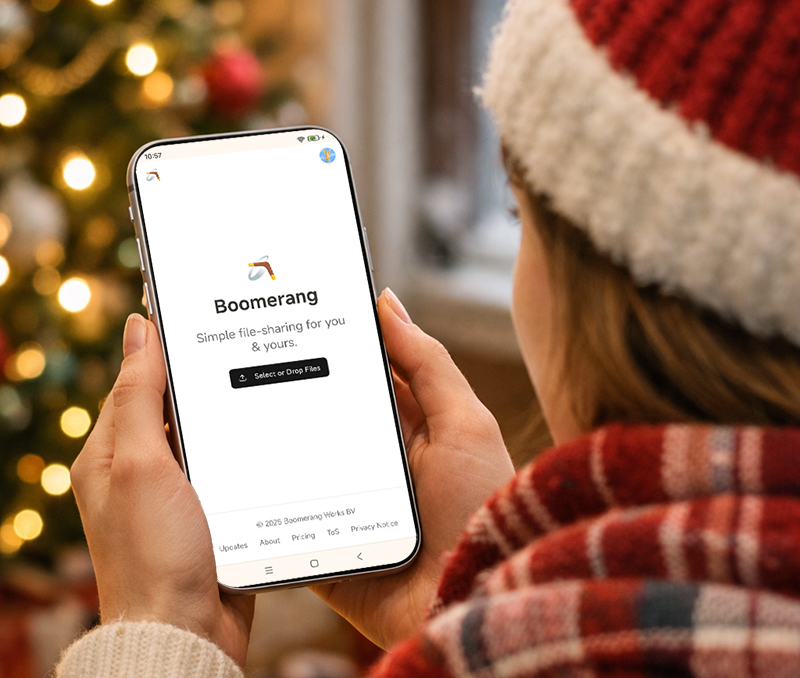
As creators search for a simpler and more privacy-friendly alternative to WeTransfer, Boomerang is gaining attention. Built by a WeTransfer co-founder, Boomerang focuses on fast file sharing without ads, AI data training, or mandatory sign-ups. This guide explains how Boomerang works and why it's becoming a popular WeTransfer alternative.
Why Users Are Searching for WeTransfer Alternatives
More users are actively looking for file sharing tools without login requirements due to several recurring issues:
Complicated transfer link behavior
Mandatory account creation
Advertising and interface clutter
Concerns about user data usage
Feature overload that slows down basic file sharing
These pain points have shifted search demand toward simple file transfer services.
What Is Boomerang File Transfer?
Boomerang is a browser-based file sharing tool created by Nalden, one of the original founders of WeTransfer.
Its design philosophy is clear:
No forced login
No ads
No unnecessary data collection
No AI features interacting with user files
Boomerang is built for users who want quick file sharing without complexity.
How to Use Boomerang Without an Account
Boomerang allows users to send files without creating an account, which makes it ideal for fast, one-time transfers.
Steps to Send Files with Boomerang (No Login)
Open Boomerang in your browser
Upload files directly
Generate a shareable download link
Send the link to the recipient
Boomerang Free Transfer Limits (No Account)
Maximum file size: 1GB
Total storage: 1GB
File expiration: 7 days
This option is best for temporary file sharing and quick deliveries.
Boomerang Storage Limits and File Size Rules Explained
Understanding Boomerang's storage structure helps users choose the right plan.
Boomerang Free Account Storage Limits
Total storage: 3GB
Maximum file size: 3GB
Upload history access
Ability to add or delete files anytime
Custom emojis on file-sharing pages
Boomerang Paid Plan Storage Limits
Total storage: 500GB
Storage per folder: 200GB
Maximum file size: 5GB
File expiration up to 90 days
Password-protected downloads
Custom folder covers
Unlimited collaborators per folder
These limits are designed to scale from casual users to professionals.
Boomerang Privacy Policy and Data Collection Approach
Boomerang is positioned as a privacy-first file transfer service.
Key privacy principles include:
No advertising-based revenue model
Minimal data collection
No user content used for AI training
No tracking-heavy analytics
This makes Boomerang suitable for users who care about data protection and content ownership.
Who Should Use Boomerang File Transfer?
Boomerang is well-suited for:
Designers sharing creative assets
Freelancers sending client files
Users needing fast file delivery
People avoiding ad-heavy platforms
Anyone searching for a simple WeTransfer alternative
If your goal is efficient file sharing without distractions, Boomerang fits naturally.
Final Thoughts
While many file transfer platforms are adding more automation and AI-driven features, Boomerang focuses on doing one thing well: sending files quickly and simply.
Learning how to use Boomerang for file sharing can help users reduce friction, save time, and regain control over their digital workflow.



