WhatsApp, the world's most popular messaging platform, is making communication even easier with a new in-stream translation feature. This update allows users to translate messages directly within their chats without relying on external servers, keeping your messages secure and end-to-end encrypted.
In this guide, we'll walk you through everything you need to know about this new feature and how you can use it to translate messages on WhatsApp.
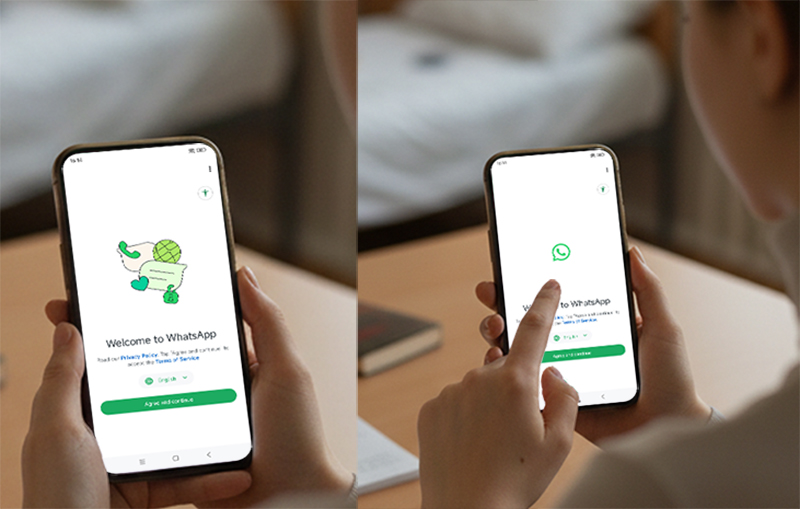
What is WhatsApp's In-Stream Translation Feature?
WhatsApp's in-stream translation option lets you translate messages between different languages directly in your chats. Here's what makes it stand out:
No external servers: Unlike other translation tools that process your data on external servers, WhatsApp's translation feature keeps everything on your device, ensuring your messages remain private and secure with end-to-end encryption.
Easy to use: With just a few taps, you can translate messages from one language to another without leaving the app.
This feature will be useful for users in multilingual regions or for businesses communicating with a global audience. But let's dive into how it works.
How to Use the In-Stream Translation Feature on WhatsApp
Step 1: Select a Message to Translate
When you receive a message in a language you don't understand, simply long-press on the message.
Step 2: Tap "Translate"
After selecting the message, tap the "Translate" option that appears in the menu. You will then be prompted to choose the language you want to translate the message into.
Step 3: Choose Your Translation Language
WhatsApp will ask you to select the source language (the language the message is in) and the target language (the language you want the message translated into). Once selected, the translation will appear instantly.
Step 4: Save Translations (Optional)
If you frequently need translations, you can choose to save the translation pack to your device. This will help WhatsApp access the translation offline, making future translations faster.
Automatic Translation for Entire Chats (Android Only)
WhatsApp also allows Android users to enable automatic translation for an entire chat thread. This means that all future incoming messages in that conversation will be automatically translated into your chosen language. To activate this:
Open the chat thread.
Tap the three dots in the top right corner and go to Settings.
Turn on Automatic Translation to enable seamless communication in multiple languages.
This feature will be incredibly helpful for ongoing conversations with friends, family, or business contacts from different countries.
Supported Languages
WhatsApp is initially rolling out the translation feature in six languages for Android users:
English
Spanish
Hindi
Portuguese
Russian
Arabic
For iPhone users, the feature will be available in 19+ languages to accommodate a broader range of users.
How to Find the Full List of Languages:
You can check the full list of supported languages for your device in the WhatsApp Settings under the Translation section.
Why This Feature Is a Game-Changer for WhatsApp Users
WhatsApp's in-stream translation could revolutionize communication, especially in multilingual communities. Whether you're chatting with family members across borders or conducting business internationally, this feature allows for seamless conversations without language barriers.
For businesses, the feature could open up new opportunities to reach global audiences. With the ability to communicate easily in multiple languages, brands can better engage with customers, leading to more meaningful interactions and potential sales.
Final Thoughts
WhatsApp's new in-stream translation feature is a significant update that makes it easier to stay connected with friends, family, and colleagues worldwide. By offering secure, on-device translations, it enhances the app's utility for global communication, all while maintaining privacy.
With the option to save translation packs and automatic translation for Android users, this feature offers flexibility and convenience for everyday use.



