Adobe has introduced a new AI assistant for Adobe Photoshop, bringing conversational image editing to both web and mobile users. The feature is currently rolling out in beta and aims to simplify complex editing tasks using natural language prompts.
The announcement also includes several upgrades to Adobe Firefly, Adobe's AI-powered media creation platform. With new generative editing tools, users can now remove objects, expand images, and enhance visuals more easily than ever.
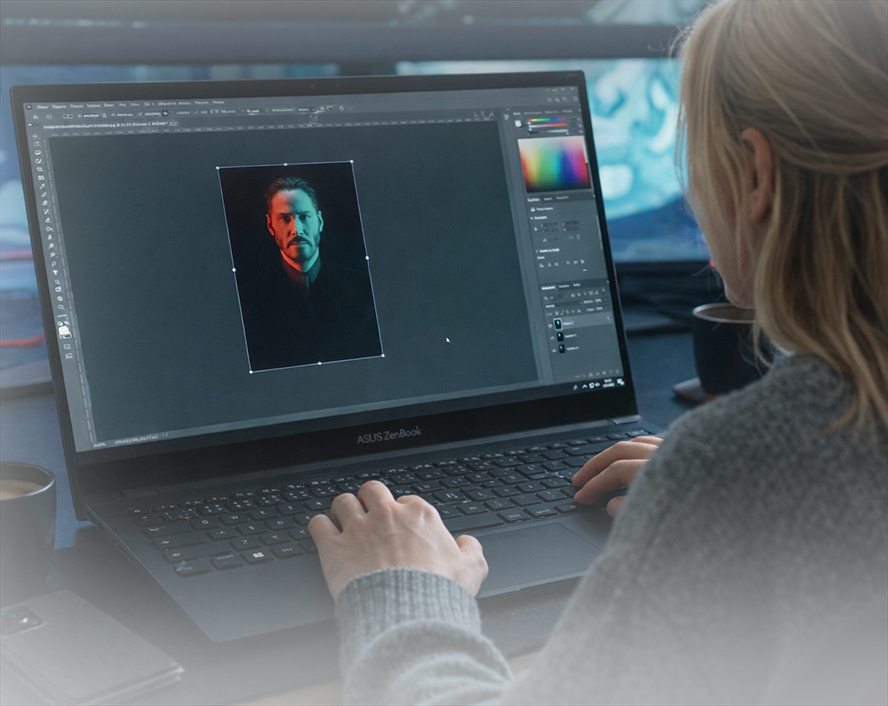
What Is the Photoshop AI Assistant?
The Photoshop AI assistant is a prompt-based editing tool that allows users to modify images simply by describing what they want.
Instead of navigating multiple layers, filters, and adjustment tools, users can type instructions such as:
"Remove the person in the background"
"Add a soft glow to the lighting"
"Increase shadows and contrast"
"Crop the image to a square format"
The AI assistant will interpret the request and apply the necessary edits automatically.
This approach makes Photoshop easier for beginners while still saving time for experienced designers.
Key Features of the Photoshop AI Assistant
Here are some of the most useful capabilities included in the new AI assistant:
1. Natural Language Image Editing
Users can edit images with simple text prompts. The AI handles the technical adjustments behind the scenes.
2. Object and People Removal
The assistant can automatically detect and remove unwanted elements from photos.
3. Lighting and Color Adjustments
You can quickly modify lighting conditions, color tones, and shadows without manually tweaking settings.
4. Background Transformation
The AI can change backgrounds or adjust the mood of an image with just a prompt.
5. Smart Cropping and Framing
Users can request specific aspect ratios or formats for social media, presentations, or websites.
How to Use the Photoshop AI Assistant (Step-by-Step)
If you want to try the new AI assistant, follow these simple steps.
Step 1: Open Photoshop (Web or Mobile)
Make sure you are using the latest version of Photoshop where the AI assistant beta is available.
Step 2: Upload or Open an Image
Import the image you want to edit.
Step 3: Activate the AI Assistant
Look for the AI assistant panel or prompt box in the editing interface.
Step 4: Enter Your Prompt
Describe the change you want. Examples include:
"Remove the shadow from the left side."
"Add warm sunset lighting."
"Blur the background slightly."
Step 5: Apply and Refine
The AI will generate the edit. You can adjust or repeat prompts to refine the result.
New AI Editing Tools in Adobe Firefly
Alongside the Photoshop update, Adobe has expanded the capabilities of Firefly, its generative AI platform.
Some major additions include:
1. Generative Fill
A powerful feature that lets users add or replace objects in an image using AI.
2. Generative Remove
Automatically removes unwanted elements while preserving realistic backgrounds.
3. Generative Expand
Allows users to increase image size beyond its original borders by generating new content around it.
4. Generative Upscale
Improves image resolution and clarity using AI.
5. One-Click Background Removal
A quick tool to isolate subjects and remove backgrounds instantly.
Free vs Paid Usage Limits
Adobe is offering different generation limits depending on your subscription.
Paid Photoshop users: Unlimited AI generations until April 9
Free users: 20 AI generations to start
Firefly subscribers currently have unlimited generations as well, encouraging users to explore the new features.
Why AI Editing Tools Are Becoming Essential
AI-powered editing tools are rapidly transforming creative workflows. Tasks that once required advanced skills can now be completed in seconds.
For content creators, marketers, and designers, these tools offer several benefits:
Faster editing workflows
Lower learning curve for beginners
More creative experimentation
Reduced manual editing time
With AI assistants becoming more integrated into creative software, image editing is moving toward a more conversational and intuitive experience.
Final Thoughts
The introduction of an AI assistant in Photoshop and expanded generative tools in Firefly shows how seriously Adobe is investing in AI-powered creativity.
Whether you are a professional designer or a beginner experimenting with image editing, these tools make it easier to transform ideas into polished visuals.
As AI capabilities continue to evolve, creative platforms like Photoshop and Firefly are likely to become even more powerful and accessible.