Instagram is accelerating the expansion of the functions of its new video editing app Edits App, and this time it has brought three super practical updates, directly targeting TikTok's CapCut. These new tools not only improve the efficiency of creators, but also make your short videos more visually impactful!
In this article, we will analyze the latest feature updates of Instagram Edits App in detail and provide easy-to-use tutorials to help you quickly master these new skills and stay ahead of the trend.
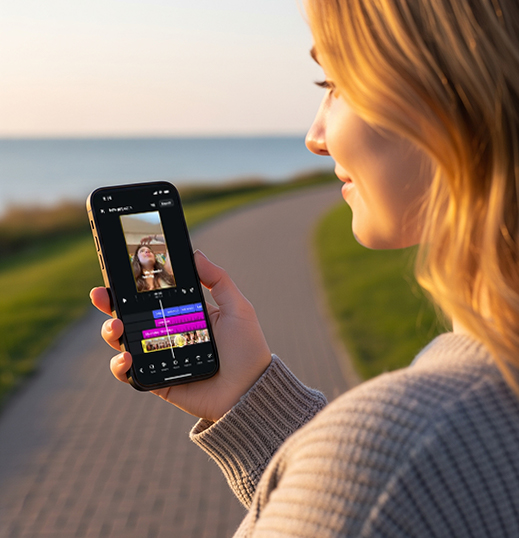
What new features have been updated this time?
1. New Transition Effects
2. Track Handles Sensitivity
3. Apply All Volume to all clips with one click
1. New transition effects: 35 options to create a professional look
In Edits, you can now use up to 35 transition effects, including:
Zoom Ripple
Vertical Stretch
These effects not only make the clips more rhythmic, but also visually impactful. Suitable for vlogs, tutorials, unboxing, or any videos that need to enhance the professionalism.
Practical tutorials:
Open the Edits App and import your material
Select the cut point → Click on "Transition" → Browse and select "Zoom Ripple" or "Vertical Stretch"
Adjust the duration and click "Preview" to see the effect.
Apply to multiple clips with one click, saving time and efficiency!
Recommended scenarios:
Zoom Ripple: Suitable for camera advancement and opening introduction
Vertical Stretch: Suitable for scene switching and emphasizing rhythm
2. Drag more accurately: Track Handles have improved sensitivity!
In the past, when adjusting the start and end points of a video, you often felt "stuttering" or lack of precision? Now, this problem is finally solved.
Upgrade points:
Dragging the edge of the video track is now more responsive
Supports fine-tuning to each frame, suitable for music card points and Lip Sync videos
Practical tutorials:
Click on the edge of a clip in the Clip track and detail zoom will automatically activate.
There will be a slight vibration feedback when dragging, indicating that you are in the fine-tuning area.
It is recommended to turn on the auxiliary grid lines (Grid) when editing to facilitate alignment.
Suitable for: rhythm point-to-point editing, subtitle synchronization, background beat coordination and other scenes.
3. Unify the volume with one click: no need to adjust each track manually anymore!
No more being annoyed by the sound of fluctuating volume! You can unify the volume of the entire movie in just one step.
Practical tutorials:
Click on any clip → Go to "Audio" settings
After adjusting the volume, click "Apply to All"
You can synchronize with one click to make your video more professional and the audience experience better!
Advanced suggestions:
The main background music can be adjusted to 30%-40%, and the vocals can be kept at 80%-100%
It is recommended to use a fade-in sound effect at the beginning of the video and a fade-out sound effect at the end to enhance the overall texture.
How can content creators make good use of these features?
1. Quickly improve the video completion and enhance the efficiency of video release.
Batch application of transitions and volume settings can allow you to produce finished content faster and increase the frequency of updates without having to repeatedly focus on details.
2. Enhance the visual experience and increase the completion rate.
Dynamic transitions (such as Zoom Ripple) can keep the audience interested in every frame, reduce the bounce rate, and help the platform algorithm recommendation.
3. Build your personal style and enhance your memory points.
Uniform transition style + stable volume control to create a more recognizable video template, so that fans can tell it's you at a glance!
4. Better adapt to brand cooperation content
Precise editing and uniform volume, especially suitable for commercials and brand content, enhance professionalism and win you more business cooperation opportunities.
Creator's suggestion: You can create 1-2 commonly used templates, reuse them quickly, and improve production efficiency.
Why are these updates worth paying attention to?
Free to use (for now): Edits is still free, but Instagram product manager Mosseri has revealed that some advanced AI features may become subscription-based in the future.
Updated weekly and continuously evolving: new features are launched almost every week, and the user experience is constantly optimized.
It has great potential and may become the new standard for video creation: combined with Instagram's own traffic and Reels, Edits is expected to become the next "standard tool" for creation.
Next step: How to use Edits App to create a hit video?
Content suggestion direction:
Use "Zoom Ripple" to do information flash mobs;
Use volume synchronization to edit daily vlogs;
Combine with Instagram Story stickers for secondary packaging.
Recommended matching tools:
InShot / Canva (for cover design)
Snapseed / Lightroom (Cover Color Correction)
ChatGPT / Gemini (script writing assistance)
Have you used the new features of this update of the Instagram Edits App?



