Meta's Threads app has just introduced a highly practical update — auto-added post counts for threaded posts. Until now, users had to manually type "1/3," "2/3," or use emojis to indicate a sequence. With this new feature, Threads automatically numbers your posts, making it easier to create and read long threads.
This article explains what the feature does, how to use it, and why it can be a game-changer for creators and everyday users.
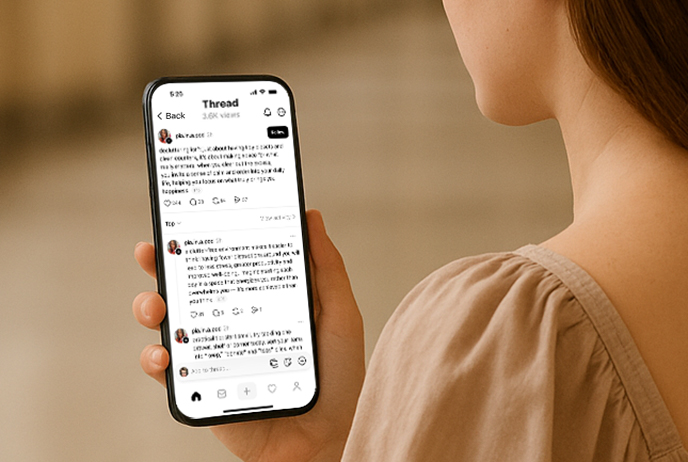
What Are Auto-Added Post Counts on Threads?
Previously, when sharing a multi-part post, you had to manually add numbering to help readers follow along. Now, Threads automatically inserts counters like:
First post → 1/5
Second post → 2/5
…and so on until the end of the thread
Even better, if you go back and add or remove posts later, the counter updates automatically. This ensures accuracy without any extra effort.
On user profiles, Threads also groups the first two posts in a thread and displays a "View more" label, giving followers a clear indicator that they are looking at a threaded series.
Key Highlights of the Update
Automatic Post Count
When you publish multiple connected posts, Threads will display numbering like "2/5".
Readers can instantly see how far along they are in your thread.
Real-Time Updates
If you add or remove posts later, the numbering will automatically adjust—no need for manual edits.
Profile View Improvements
On user profiles, the first two posts of a thread will now appear grouped with a "View more" label, helping followers recognize ongoing series.
How to Use Threads Auto-Added Post Counts
The good news is: you don't have to turn on any special setting. Threads handles it automatically. Here's how it works in practice:
Start your first post → Write and publish as usual.
Add more posts → Select "Add to thread."
Done! → Threads automatically inserts the numbering (e.g., "2/5," "3/5") for you.
This makes it much easier to create structured multi-post updates without worrying about numbering errors.
Usage Tips: How to make better use of Threads automatic numbering?
Segmented narrative
Split a topic into multiple short posts and use numbering to naturally connect them. This will make it easier for readers to stick with it and finish reading.
Knowledge points summary
Tutorials, experience sharing, and checklist content are particularly suitable for presentation using Threads, and automatic numbering makes the logic clearer.
Interactive Extension
Use the number of the last post to remind readers that "this post is over" and encourage them to comment, interact, or ask questions.
Flexible modification
Want to add more content after publishing? Simply add a new one and the system will renumber it for you to maintain the overall consistency.
Why Is This Update Important?
Improves Reading Experience
Readers immediately know how long a thread is and where they are in the sequence.Reduces Creator Workload
No more manual numbering or editing if you make changes later.Supports Different Content Styles
With Threads recently adding 10,000-character long notes, creators can now choose between:Blog-style long posts for deep dives
Threaded sequences for step-by-step storytelling or tutorials
Brings Threads Back to Its Core Idea
Since the app's name literally means "threads," this update strengthens the original purpose — making it easier to share connected posts.
Who Benefits From This Feature?
Content creators → For tutorials, storytelling, or guides with multiple parts
Brands and marketers → For product launches, campaigns, or announcements that require multiple steps
Everyday users → For sharing personal stories, event updates, or sequential posts without formatting headaches
Final Thoughts
The new auto-added post count feature may seem small, but it directly solves a long-standing issue on Threads: how to clearly organize multi-post updates.
Combined with the platform's long-form content support, creators now have more flexibility than ever to express themselves:
Use long notes for in-depth content
Use auto-numbered threads for structured series
If you're looking to improve how you share on Threads, this update makes your posts more professional, engaging, and easy to follow.