Snapchat is taking a major step forward in AI creativity by introducing image-to-video generation inside Lens Studio. This new feature allows developers to transform static images into short AI-generated videos, opening the door to a new wave of interactive AR experiences.
If you're a creator, marketer, or developer, this update could be a game-changer for engagement and monetization.
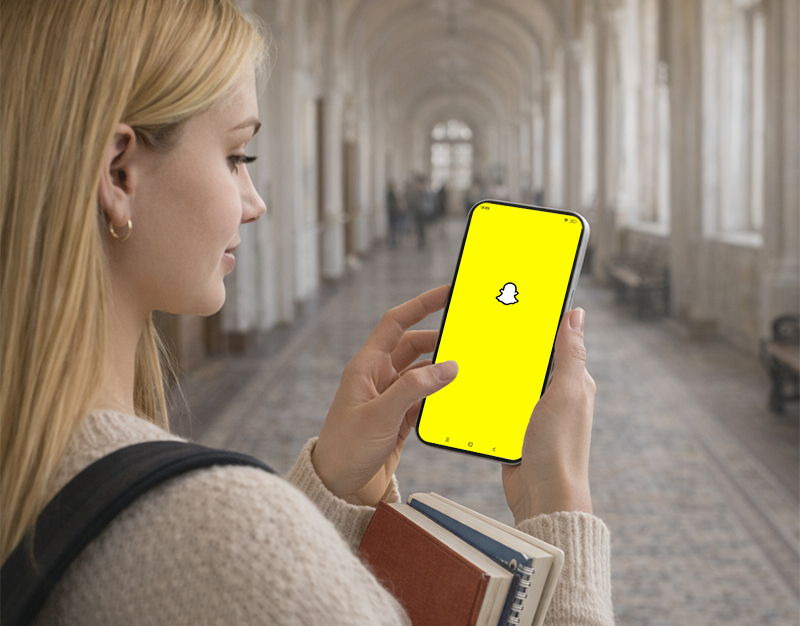
What Is Snapchat's AI Image-to-Video Feature?
Snapchat's latest update enables developers to create 5-second AI video clips using user-uploaded photos combined with predefined prompts.
Unlike traditional AI video tools, this feature focuses on:
Instant creation (no complex editing required)
Personalized output (based on user images)
Built-in sharing within Snapchat
Scalable AR experiences
This functionality is part of Snapchat's GenAI Suite, designed to make AI content creation more accessible and interactive.
Why This Feature Is Different (And Powerful for Growth)
Most AI video tools today rely on open text prompts, but Snapchat takes a different approach with its closed-prompt system.
Key Advantages:
1. Controlled Creativity
Developers define how the AI behaves, ensuring:
Consistent quality
Brand-safe outputs
Predictable user experiences
2. Built for Virality
Snapchat has historically driven viral AR trends—from rainbow effects to anime filters. This new feature builds on that strength by enabling:
Repeatable experiences
Shareable AI-generated clips
Social-first design
3. Monetization Opportunities
Creators in the Lens+ program can:
Earn revenue from Lens usage
Build scalable AI experiences
Reach a highly engaged audience
How to Use Snapchat AI Image-to-Video (Step-by-Step)
Here's a beginner-friendly workflow to start using this feature:
Step 1: Open Lens Studio
Download and launch Lens Studio.
Step 2: Access GenAI Suite
Navigate to the GenAI tools section داخل Lens Studio.
Step 3: Upload an Image
Choose or allow users to upload a photo that will be used as the base.
Step 4: Define the Prompt
Set a closed prompt (predefined instructions), such as:
"Turn photo into animated fantasy scene"
"Add cinematic motion effect"
Step 5: Generate AI Clip
The system creates a 5-second video automatically.
Step 6: Publish to Snapchat
Deploy your Lens so users can interact with it directly inside Snapchat.
How to Create Viral AI Story Content (Pro Tips)
If you want your Lens to trend, focus on these strategies:
1. Emotion-Driven Transformations
People love:
Glow-ups
Fantasy versions of themselves
Dramatic before/after visuals
2. Short Loop-Friendly Content
Since clips are only ~5 seconds:
Make them loop seamlessly
Ensure instant visual impact
3. Strong Visual Identity
Pick a niche style:
Anime
Cyberpunk
Cinematic
Retro
Consistency builds recognition.
4. "One-Tap Magic" Experience
The simpler it is, the better:
Upload photo
Tap once
Get amazing result
What This Means for the Future of AI Content
Snapchat's approach signals a shift toward:
Creator-led AI ecosystems
Predefined, scalable AI experiences
Social-first AI content creation
Instead of letting users generate anything freely, Snapchat is betting on developer creativity + structured AI to drive the next wave of viral content.
Final Thoughts
This new AI image-to-video feature positions Snapchat as a leader in interactive AI + AR experiences.
For creators, this is more than just a tool—it's an opportunity to:
Build viral content
Monetize creativity
Reach millions of users
If used strategically, this feature could become one of the most powerful growth tools in social media today.



