Spotify is no longer just a music streaming app. With the rollout of Spotify Group Chats, the platform is taking another clear step toward becoming a social network for audio lovers.
This feature expands Spotify's existing one-on-one messaging tool, turning private sharing into small group conversations centered around audio content.
Spotify is no longer just a music streaming app. With the rollout of Spotify Group Chats, the platform is taking another clear step toward becoming a social network for audio lovers.
In this guide, you'll learn what Spotify Group Chats are, how they work, who can use them, and whether they're worth adopting as part of your daily listening habits.
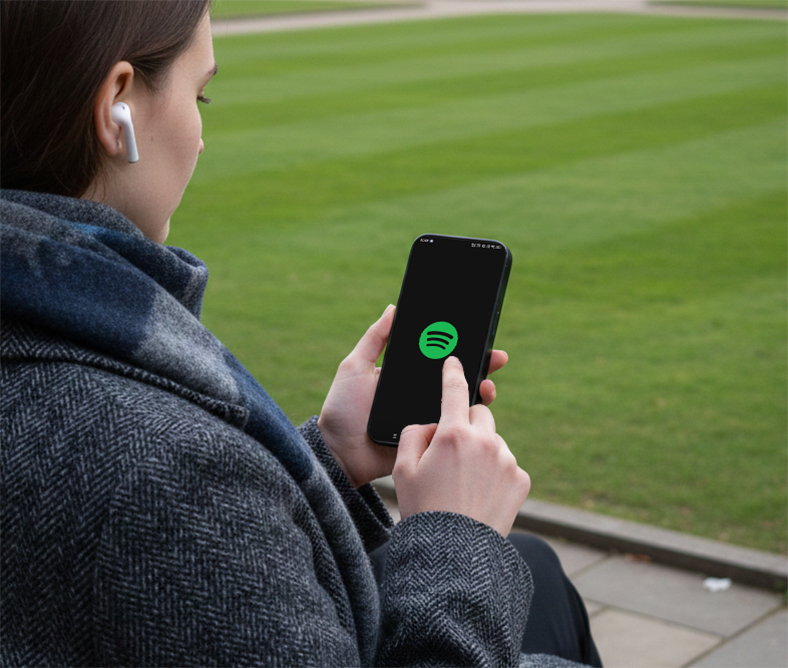
What Is Spotify Group Chat?
Spotify Group Chat is a new messaging feature that allows users to chat with up to 10 people inside the Spotify app while sharing:
Playlists
Podcasts
Audiobooks
This feature expands Spotify's existing one-on-one messaging tool, turning private sharing into small group conversations centered around audio content.
Unlike traditional messaging apps, Spotify Group Chats are designed to keep conversations close to the content, not replace your main chat apps.
How Spotify Group Chats Work
Spotify has placed strict limits on who you can message to avoid spam and harassment.
You can only start or join a group chat if you already have an existing connection with the user through Spotify features such as:
Collaborative playlists
Jam sessions
Blend playlists
This means you can't message random users, even though Spotify has over 600 million users globally.
How to Start a Spotify Group Chat (Step-by-Step)
Step 1: Create or Join a Spotify Social Connection
You must first interact with someone through:
A collaborative playlist
A Blend
A Jam session
Step 2: Open the Spotify Messaging Feature
Once connected, Spotify unlocks messaging access for that user.
Step 3: Add More Users (Up to 10 Total)
You can expand the conversation into a group chat with other connected users.
Step 4: Share Audio Content
Inside the chat, you can directly send:
Playlist links
Podcast episodes
Audiobooks
Everything stays inside Spotify, without jumping to external apps.
Is Spotify Group Chat Encrypted?
Spotify states that messages are:
Encrypted at rest
Encrypted in transit
However, Spotify Group Chats do NOT use end-to-end encryption.
This means:
For users sensitive to privacy, this is an important consideration.
Why Spotify Is Adding Social Features
Spotify's social expansion is not accidental. Over recent years, the platform has added:
Friend activity feeds
Podcast comments
Collaborative playlists
Blend listening stats
Group Chats are part of a broader strategy to increase engagement and retention, especially as music streaming growth slows in mature markets.
More interaction inside the app leads to:
Should You Use Spotify Group Chats?
Spotify Group Chats make sense if you:
Regularly share playlists with friends
Listen to podcasts as a group
Participate in Jam sessions or Blends
They may feel unnecessary if:
Final Thoughts
Spotify Group Chats are a measured but strategic move toward social listening. Instead of chasing viral growth, Spotify is prioritizing safety, relevance, and retention.
Whether this feature becomes a daily habit or remains a niche tool will depend on one key factor:
Does chatting next to your music feel easier than sharing links elsewhere?
For now, Spotify is betting that it does.