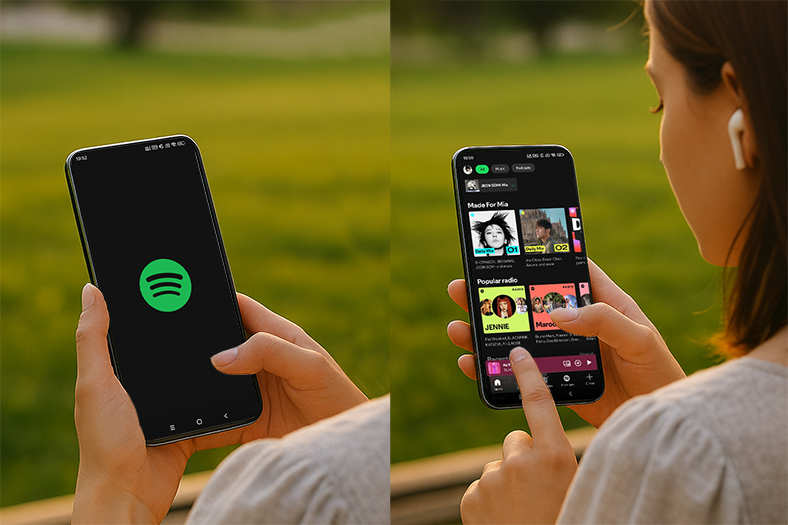
Spotify has recently rolled out its long-promised lossless streaming feature. Now, Spotify Premium users can enjoy HiFi audio in FLAC format (up to 24-bit/44.1 kHz), delivering true CD-quality sound across millions of tracks. In this guide, we'll explain what Spotify Lossless (Spotify HiFi) is, how it works, where it's available, the best use cases, and step-by-step instructions on how to enable it on your devices.
What Is Spotify Lossless (HiFi)?
Until now, Spotify has relied on compressed formats such as Ogg Vorbis. These formats reduce file size and save bandwidth but compromise sound quality by cutting off certain audio details.
The new Spotify Lossless streaming option supports up to 24-bit/44.1 kHz FLAC audio. FLAC (Free Lossless Audio Codec) preserves the full range of sound captured in the studio without discarding data. The result is a richer, more dynamic listening experience:
Sharper high frequencies – instruments and vocals sound more detailed.
Fuller bass – deeper and more accurate low-end frequencies.
Improved spatial audio – clearer separation between instruments, closer to a live performance.
For audiophiles, high-end headphone users, and those with home sound systems, Spotify HiFi finally closes the gap with its rivals.
Where Is Spotify Lossless Available?
Spotify confirmed that the rollout will reach over 50 countries throughout October 2025. Early access is already available in major markets such as:
United States and United Kingdom
Germany, Sweden, and Austria
Australia and New Zealand
Japan and the Netherlands
Portugal, Denmark, and Czechia
Users will receive an in-app notification when the feature becomes available on their account.
How to Enable Spotify Lossless (Step-by-Step Guide)
Enabling Spotify Lossless is straightforward. Here's how you can set it up:
Open the Spotify app on your device.
Go to Settings & Privacy.
Select Audio Quality (or Media Quality).
Under "Wi-Fi," "Cellular Data," and "Downloads," choose Lossless.
Save changes and enjoy your upgraded listening experience.
Keep in mind: the setting must be enabled separately on each device. Spotify will not sync this preference across all your logged-in devices.
Key Limitations of Spotify Lossless
While the feature is exciting, there are some technical limitations to know:
Wi-Fi playback only for best quality – streaming over mobile data works, but data usage will be high.
Bluetooth limitations – true lossless audio is not possible over standard Bluetooth connections due to bandwidth restrictions.
Manual setup required – you must enable the feature separately on each device you use with Spotify.
Device compatibility – for the best results, use Spotify Connect with supported speakers and amplifiers from brands like Bose, Yamaha, and Bluesound.
Important Things to Know About Spotify HiFi
While lossless streaming is a huge upgrade, there are some limitations to be aware of:
Larger file sizes – Lossless files take up more storage and consume more data. Spotify includes a built-in tracker so you can monitor usage.
Bluetooth limitations – Due to bandwidth restrictions, Bluetooth headphones cannot deliver true lossless audio. Even Apple has raised concerns about Bluetooth's inability to transmit high-resolution formats.
Best setup – To get the full experience, connect via Spotify Connect to Wi-Fi-enabled speakers or devices from brands like Bose, Yamaha, or Bluesound.
Spotify vs. Apple Music and Amazon Music
Spotify is late to the lossless game, but its entry is still significant. Here's how it compares with competitors:
Apple Music: Launched lossless streaming in 2021 at no extra cost.
Amazon Music HD: First introduced a paid HiFi tier in 2019 but later made it free.
Spotify: Now offering FLAC streaming with nearly full catalog coverage (over 100 million songs).
Spotify's strengths remain its personalized recommendations, playlist ecosystem, and cross-device integration, which keep users loyal despite the delay. With HiFi now included, Premium subscribers can enjoy both convenience and superior sound quality.
Why This Update Matters
The demand for high-quality streaming has grown steadily in recent years. More users are investing in high-end headphones, DACs, and smart speakers, making sound quality a key factor in choosing a music platform. By finally launching Spotify HiFi, the company not only retains its existing user base but also appeals to new audiophiles who previously preferred Apple Music or Amazon Music.
This update also ensures that Spotify remains competitive in an increasingly crowded streaming market. With nearly every track in its 100-million-song catalog available in lossless format, Spotify is positioning itself as both the most versatile and the most user-friendly streaming service.
Final Thoughts
Spotify Lossless streaming is here at last, and it's worth the wait. Whether you're an audiophile or just someone who enjoys clear, detailed music, enabling Spotify HiFi brings you closer to studio-quality sound.
To get the best results:
Enable Lossless in your settings.
Use Wi-Fi streaming instead of Bluetooth.
Pair Spotify with a quality sound system or DAC for the true HiFi experience.
With this update, Spotify finally bridges the gap with its rivals and delivers on a promise made years ago. If you're a Premium user, check your app settings today—you may already have access to Spotify Lossless.